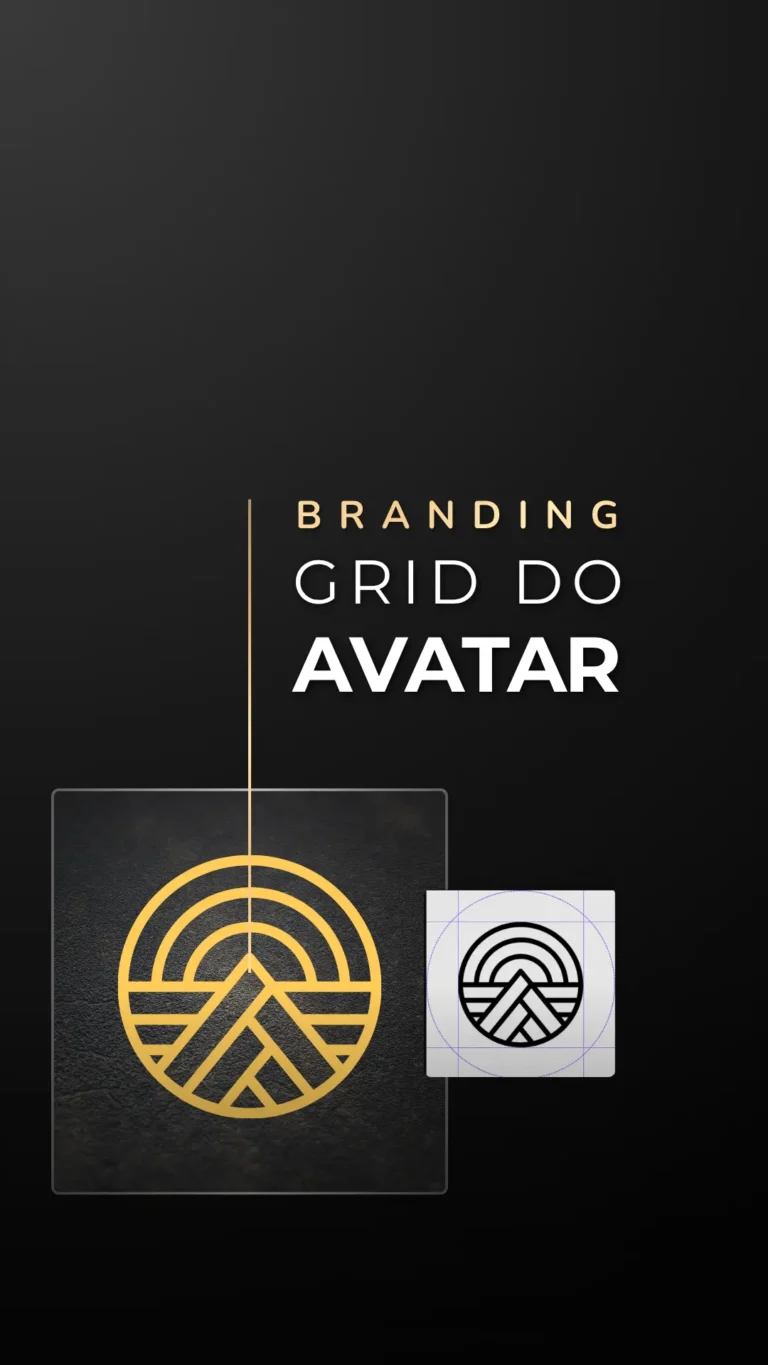
Proportion Engineering: Avatar Guide and Application Grid
Your visual presence on social media requires technical precision in every pixel. The Avatar Guide with Application Grid is a strategic tool designed to ensure that your symbol, photo or logo takes center stage, without cuts, misalignments or improvisations. It's the ultimate solution for maintaining the integrity of your brand on any digital platform.
Visual Authority and High Performance Alignment
In the digital environment, amateurism can be seen in small mistakes. A cropped profile photo or an off-center logo dissolves a client's trust before they even make contact. This guide eliminates frustration with automatic cropping, giving you complete autonomy to dictate the rules of your professional image with rigor and sophistication.
Technical Assets and Functionalities
- Universal Application Grid: Validated technical structure for all current social networks.
- Editable templates in Canva: Templates configured for Free and Pro accounts.
- Foolproof Safety Zones: Demarcated areas to ensure total visibility on mobile devices.
- Multiplatform standardization: Immediate visual consistency from Instagram to YouTube and LinkedIn.
Agile Implementation Logistics
Applying the system takes just a few minutes. Simply import the template into Canva, position your image within the demarcated security areas and export the final file. The result is a clear, professional and impactful reading, regardless of the algorithm or platform used.
Strategic Delivery + Bonuses Included
PDF Visual Guide: Step-by-step protocol for the perfect configuration of your assets. In addition to avatar grids, the package includes structures for website icons, applications and highlight covers, ensuring that all your brand's touchpoints maintain the same visual excellence.
Technical Questions (ELOS Protocol)
Who is this guide for?
Entrepreneurs, freelancers and brand managers looking to eliminate proportion errors and convey maximum authority through an impeccable profile image.
Do I need advanced design knowledge?
No. The system is designed to be intuitive. Technical precision is already built into the templates, allowing you to achieve professional results in seconds.
Does the grid work for logos and real photos?
Yes. The structure is universal and adapts perfectly to both the centering of logos and symbols and the strategic framing of professional portraits.
How do I get access to the material?
Release takes place via the exclusive members' area as soon as payment is confirmed. The import links in Canva and the PDF guide are delivered immediately.