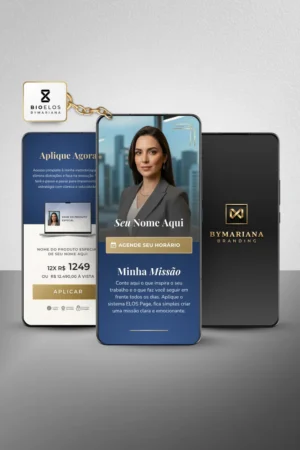
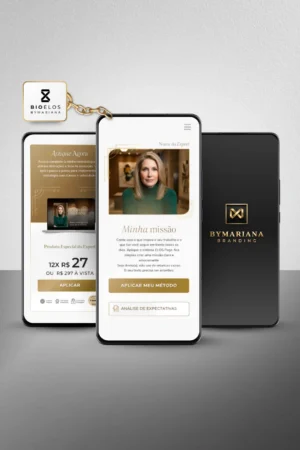
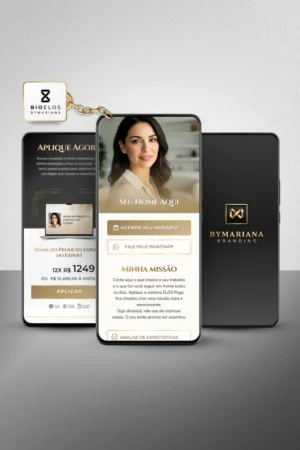
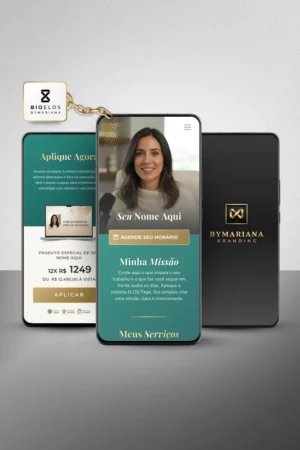
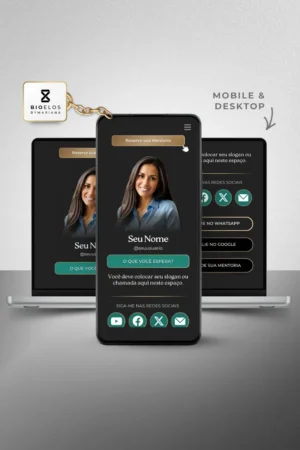
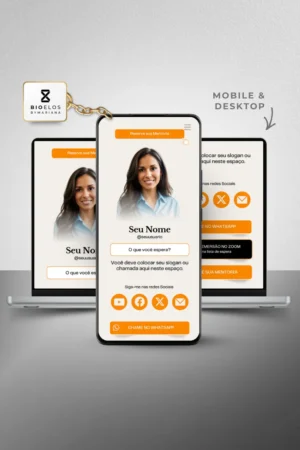
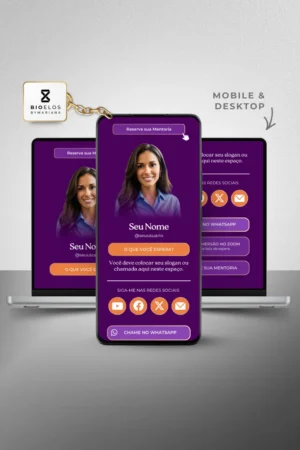
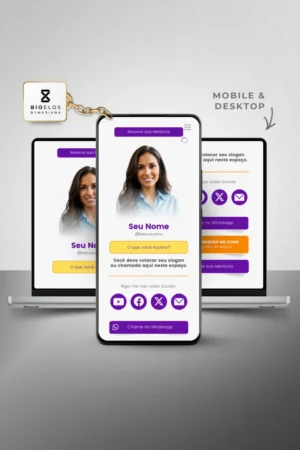
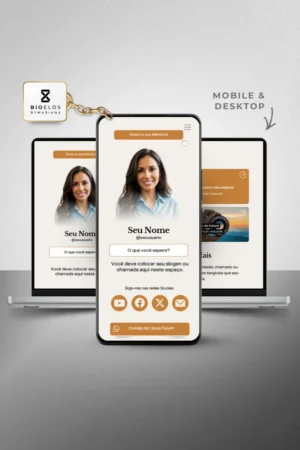
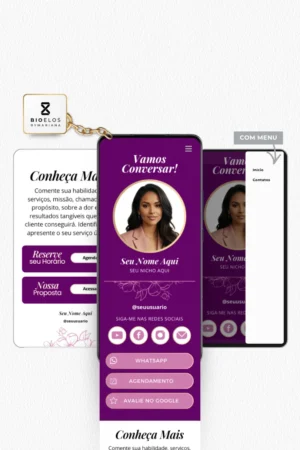
ELOS Link in Bio
A collection designed to turn a customer’s first interaction with your brand into a consistent, elegant experience that’s ready to drive conversions.
JOURNEY
This capability enhances the overall customer experience before, during, and after the purchase. ELOS Journey Assets organize stages, flows, and relationships to foster continuity, retention, and the evolution of the experience.
Your Preferences ↓
Your Preferences ↓
ELOS Link in Bio Canva: Organize Your Digital Presence
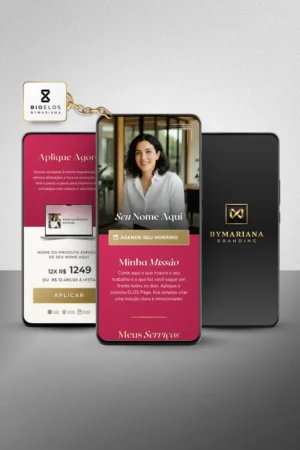
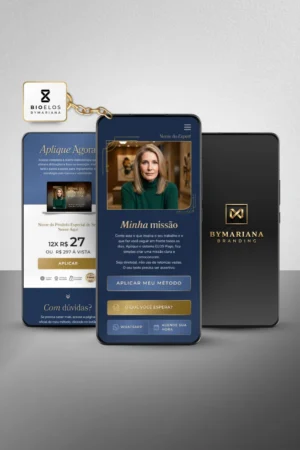
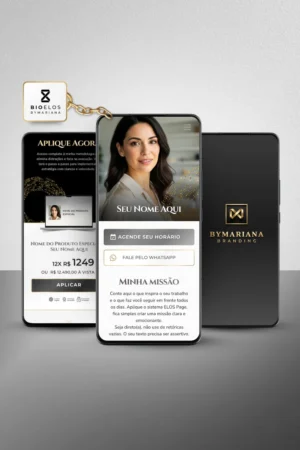
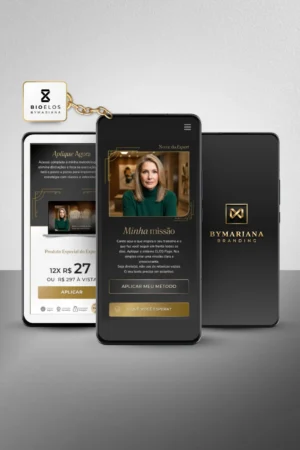
ELOS Link in Bio brings together, on a single page, the main paths of your brand:
products, services, content, contacts, appointments, and customer service channels.
The structure makes it easier to access information and reduces the number of links users have to click through
and guides visitors toward the most appropriate action for each stage of their journey.
A storefront that reflects your brand identity
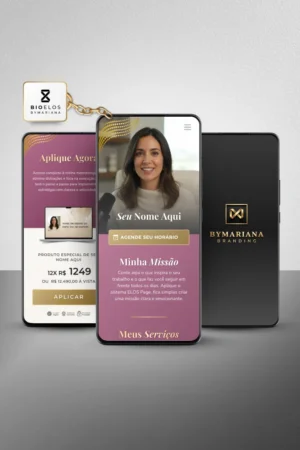
Unlike aggregators with standardized layouts, ELOS Link in Bio allows you to
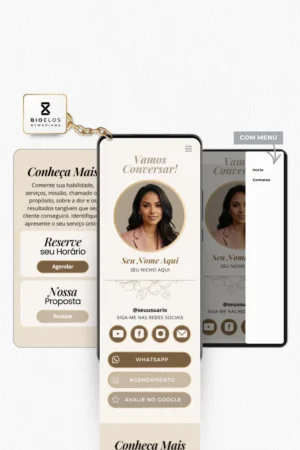
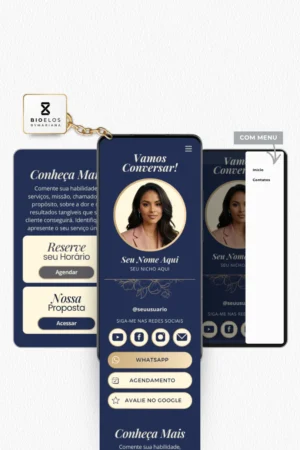
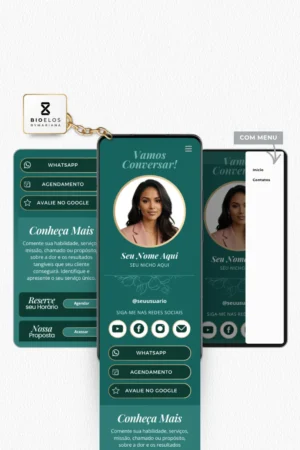
apply colors, typography, photographs, text, and visual elements consistent with the brand identity
of your business.
The result is a page that is consistent with the brand’s other touchpoints, without relying on
the visual appearance of an external platform.
Organization of the paths
Buttons, blocks, and calls to action can be organized by priority, helping visitors
to quickly figure out what to do: learn about a service, access an offer, sign up
get in touch, make an appointment, or view content.
Continuing the Journey
The page serves as a bridge between social media and the company's other digital assets
brand. Instead of presenting a scattered list of links, it organizes the next
steps within a visual and strategic framework.
Editorial Independence
Templates can be customized in Canva, allowing you to change text, images,
colors, buttons, and sections as needed for the project.
Frequently Asked Questions About ELOS Link in Bio
What is a "Link in Bio"?
It's a page that brings together different destinations in one place. It can direct
visitors to products, services, social media, WhatsApp, forms, content,
sales pages and other brand channels.
What is the difference between ELOS Link in Bio and a link aggregator?
An aggregator typically offers standardized visual layouts and limited options for
customization. ELOS Link in Bio lets you build a page that aligns with your brand identity
for the brand, with greater control over the hierarchy, content, images, headings, and navigation.
Can I edit the template in Canva?
Yes. Editable elements can be customized directly in Canva, including
text, photographs, colors, typography, buttons, and links.
Do I need to have a website to use "Link in Bio"?
No. The page can be used as a central access point even by brands that
They don't have a full-fledged website yet. It can also complement an existing website.
Where can I use the page link?
The address can be added to your bio on Instagram, TikTok, LinkedIn, YouTube, and other platforms
social media. It can also be shared in messages, e-cards, and other materials
print materials and campaigns.
What types of links can I include?
You can include links to WhatsApp, products, services, sales pages,
appointments, forms, content, social media, customer service channels, and more
destinations relevant to your business.
Can I change the colors and images?
Yes. The color palette, photos, and visual elements can be adjusted to match
your brand identity or the messaging for a specific campaign.
Is the ELOS Link in the Bio only for Instagram?
No. Although it's often used on Instagram, the page can function as a
A digital showcase that can be shared on any channel.
Recommended next step
Conversion
Once you've organized visitor traffic, the next step is to structure the conversion process for your offering.