



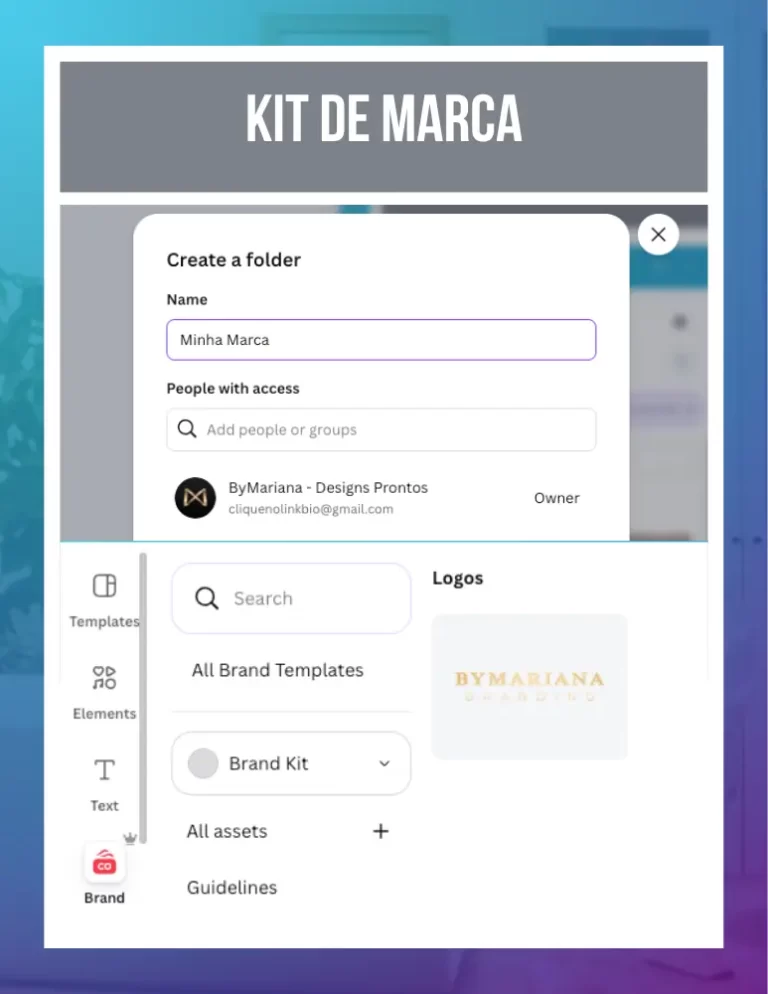
The quick answer: The Brand Kit in Canva centralizes your colors, logos and fonts in a single, accessible panel within any project. The innovation lies in the practical automation of repetitive activities, such as searching for the exact code of your color or the file of your logo on your computer, which often steals valuable minutes with each new artwork you start.
1. The Basis of Agility: The Identity Dashboard
Our team knows that, in everyday life, wasting time trying to “remember” the exact shade of blue or which font was used in yesterday's post is frustrating. Our innovation is to eliminate this doubt once and for all. When you set up your Kit, your official colors appear at the top of the palette every time you click on an element. This ensures that your brand is consistent without you having to make any memory effort.
2. Logos always at hand
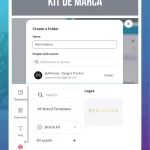
Many people make the mistake of uploading their logo as a regular image. The problem is that, as you upload new photos, the logo drops down and you waste time scrolling to find it. The practical innovation is to use the Logos tab in the Brand Kit. There, you leave the variations (color, white and black) always fixed, ready to be applied to any background with a single click.
3. Standardization of Sources and Hierarchy
Defining the Heading, Subheading and Body Text in your Kit saves you the time of manually adjusting each paragraph. When you press the “T” key on your keyboard, Canva already gives you the font and size you've pre-defined. This prevents your materials from looking like a “patchwork quilt” of different fonts, while maintaining the professional look of a brand that has clarity and authority.
💎 DIAMOND VISION:
If your business has more than one product or sub-brand, you can create separate Brand Kits. The practical innovation is that you can change the entire identity of a post in seconds just by switching the selected Kit in the side panel. It's the transition from manual labor to intelligent asset management.
Canva Ultra Fast Course
Complete Canva course. Less than 2 hours to master the tool.