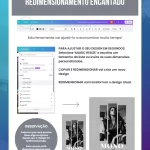




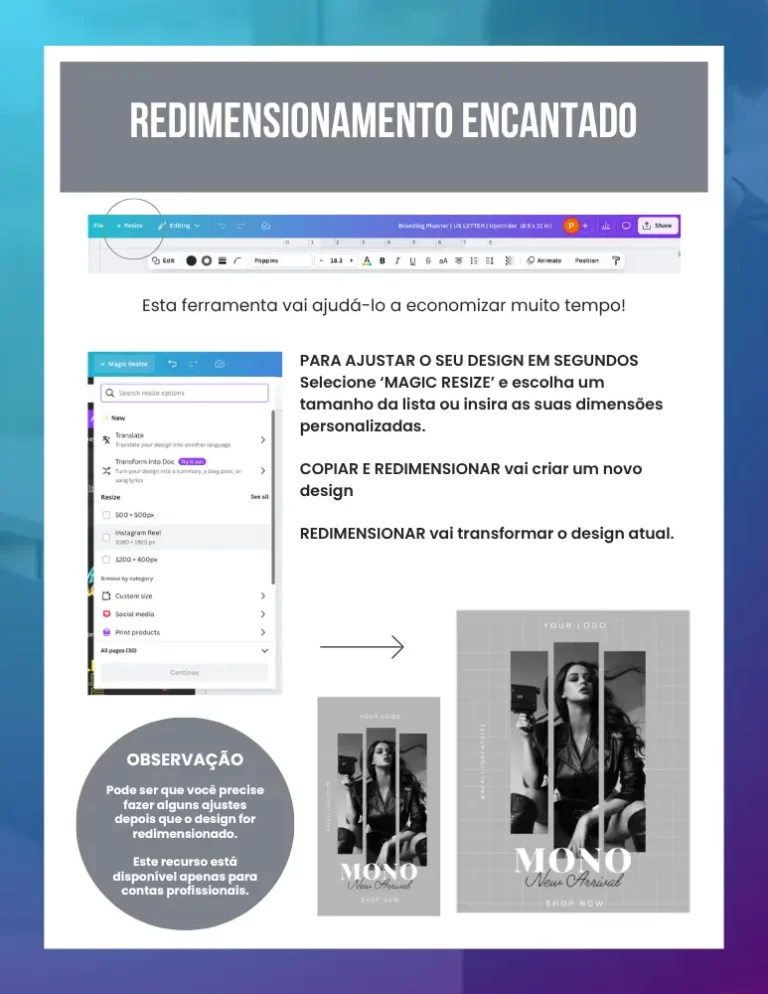
The quick answer: Use the tool Magic Switch (Magic Resize) in the top menu to convert a post to several formats at once. The innovation lies in the practical automation of repetitive activities, eliminating the manual rework of adapting a square post for Stories or LinkedIn, saving hours of weekly production.
1. Creating once, posting everywhere
On a day-to-day basis, managing several social networks seems impossible. The innovation lies in understanding that you don't have to redo the work. When you've finished your main artwork, you can have Canva create versions in other sizes automatically. This allows you to keep your digital presence active on all channels without having to double your time in front of the computer.
2. The Final Touch of Automation
Although the system moves the elements on its own, the practical innovation is in the final adjustment. When you move from a square format to a vertical one (Stories), Canva maintains the proportions, and you only need to reposition the title or photo to make the layout perfect. It's a process that takes seconds, rather than the 20 minutes it would take to create everything from scratch.
Always use the “Copy and resize” option. This keeps your original file intact and creates new copies for the other formats. The practical innovation is to keep your library organized by having a “family of designs” ready for each sales channel in your business.
Canva Ultra Fast Course
Complete Canva course. Less than 2 hours to master the tool.